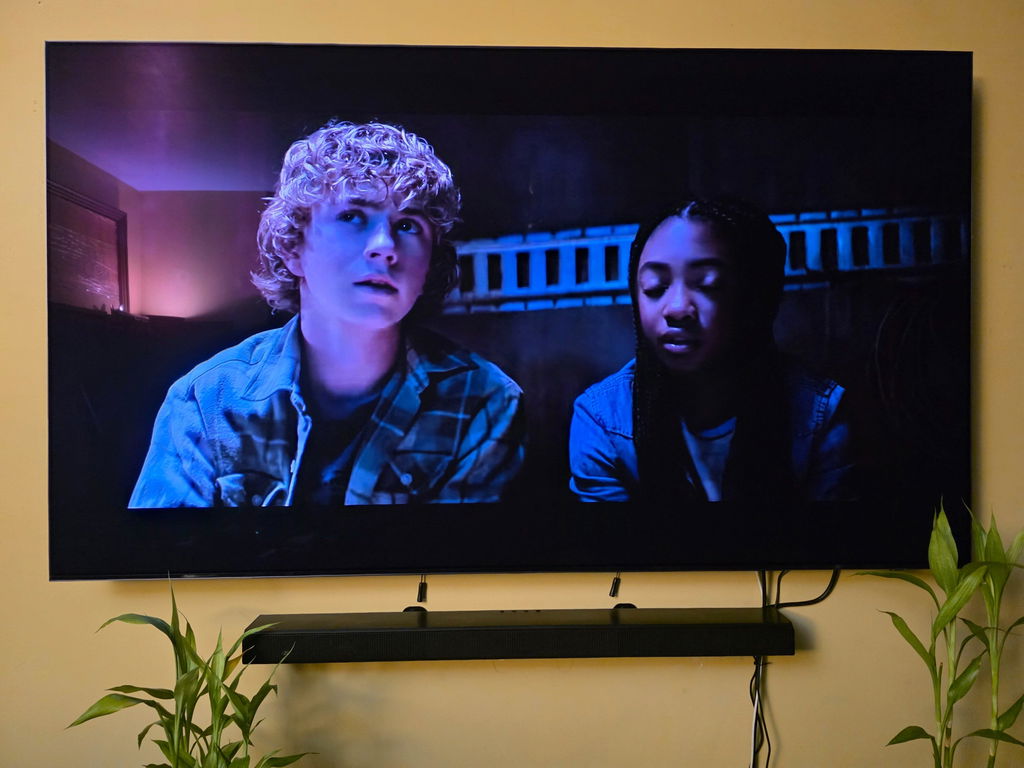
Samsung OLED TV S90 S95 series Troubleshooting
Find the right repair for your Samsung OLED TV
Start with two questions: Is the issue likely in the TV itself or the One Connect Box? If the box needs attention, which number should you use to find the matching repair service?
1. Is the problem in the TV or the One Connect Box?
A symptom alone does not confirm which component is faulty. Before choosing a repair service, note what happens when you try to use the TV.
- Does the TV show a picture, an error message, or no picture at all?
- Is there sound?
- Does the TV stay on, shut down, or repeatedly restart?
- When did the problem begin, and is it constant or intermittent?
Have your TV model code and One Connect Box label details ready. If you are unsure which component needs repair, ask Nick's Electronic Repair for help before selecting a service. Do not open the TV or box to identify the fault.
2. Which number should I use to find the repair service?
The One Connect Box label can contain several different numbers. Record the numbers exactly as printed and take a clear photo of the complete label. Also record the full model code from the TV's label.
The illustrated label guide and exact search-number instructions are being prepared. Until they are available, do not assume that any one number on the box identifies the correct repair service.
Find the matching repair service
Once the correct search number has been confirmed, enter it into our website's search. Open the matching repair listing and compare its model and part-number information with your box before ordering.
If you cannot find a match, or the listing does not clearly match your label, ask us to help identify the correct service. Include a photo of the box label, your full TV model code, and a description of the symptoms.